
You are running one event: a conference session, a trade show booth, a company party, a club night. You want a quiz people play on their phones, a leaderboard on the screen and maybe a prize at the end. What you don’t want is a yearly subscription for something you’ll use once.
That’s harder than it sounds. Several of the best-known quiz tools only sell yearly plans. This guide compares what the popular options cost when you need a quiz maker for a one-time event, and shows how to set one up in an afternoon.
The short answer
- Smallest budget, self-paced quiz on phones: Qzzr’s free plan covers 300 completions in total, with every feature and no credit card. If your event is bigger, the Pro plan is $9/month for 1,000 completions, billed monthly, and you can cancel after the event.
- Host-led quiz show on a big screen: Kahoot and Mentimeter are built for that format, but their paid plans are billed yearly only. Mentimeter’s free plan can cover one presentation a month with unlimited participants.
- A form-style quiz with very few entries: Typeform’s free plan works up to 10 responses a month.
What a quiz maker for a one-time event costs
Prices as published on each vendor’s own pricing page. “Billed yearly” means you pay for 12 months up front, even if you only need one.
| Tool | Free option | Cheapest paid plan | Billing |
|---|---|---|---|
| Qzzr | 300 completions in total, all features, no credit card, no time limit | $9/month for 1,000 completions | Billed monthly, cancel anytime |
| Kahoot! 360 (for work) | Free plan for personal use: up to 10 players per game | Pro Start $19/month for up to 50 participants; 200 participants on Pro Standard (list price $29/month) | Billed yearly only |
| Mentimeter | 50 participants per month; one presentation a month can go unlimited | Basic $14 per presenter/month | Billed yearly only |
| Typeform | 10 responses per month | Basic $39/month for 100 responses | Monthly or yearly |
| Wayground (for business) | 14-day trial, no free business plan | Essential $125/month per seat billed monthly ($75/month billed yearly) | Monthly or yearly |
For a one-off event with 200 guests, the difference is stark. On Qzzr, 200 completions fit inside the free plan. On Kahoot, 200 participants means a yearly Pro Standard plan. On Typeform, 200 responses is more than the Basic plan’s 100.
What an event quiz actually needs
Before comparing feature lists, check the handful of things that matter on the day:
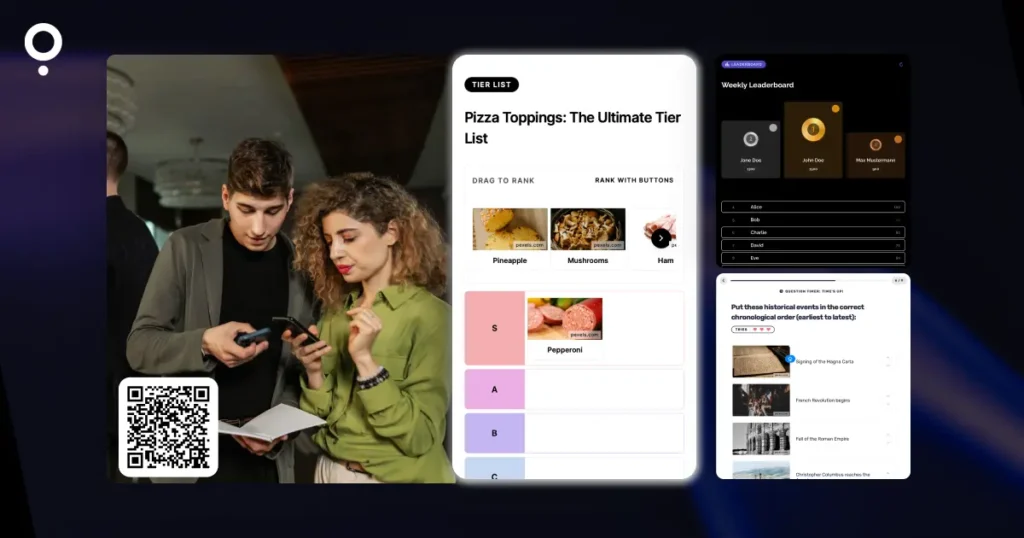
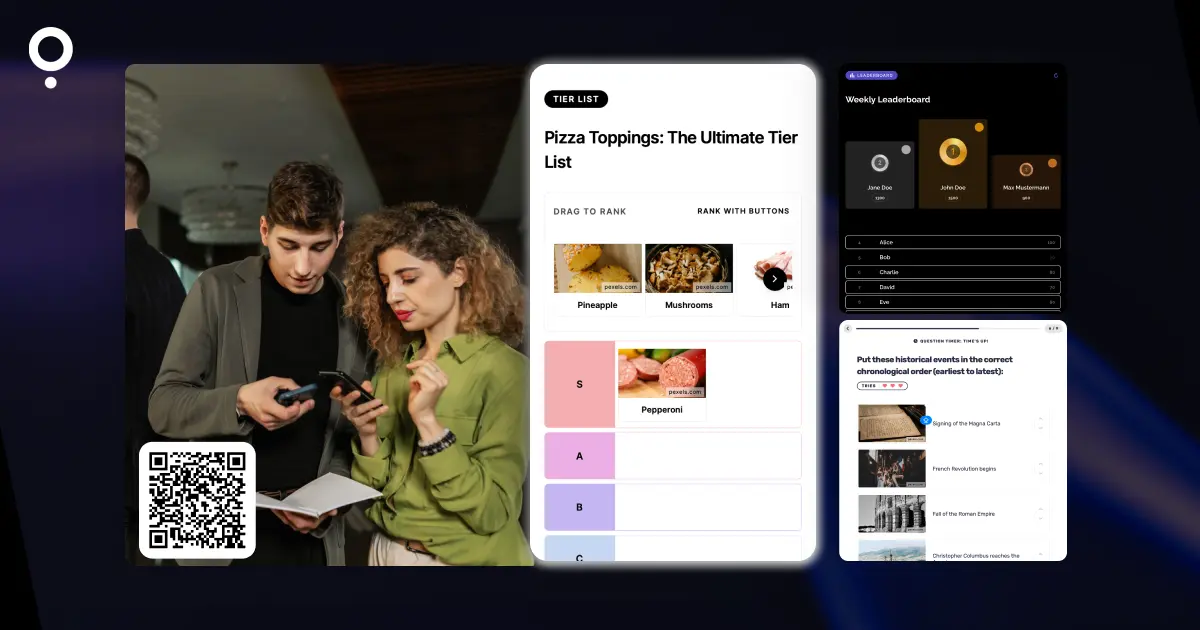
- A fast way in. Guests should join from a QR code on a slide, a table card or a poster, without signing up for anything.
- A reason to play to the end. A leaderboard and a timer turn a quiz into a competition.
- A fair prize draw. If there’s a prize, you need a random winner from the people who took part, not the loudest table.
- Enough capacity, with no surprise bill. Know in advance how many guests the plan covers and what happens if more show up.
- A clean exit. After the event you want the results and leads exported, and no subscription renewing in the background.
How to set up an event quiz on Qzzr’s free plan
1. Build the quiz
Start from one of the 100+ ready-made templates, build it from scratch, or let AI draft it from a topic or a URL (30 AI-generated quizzes a month, also on the free plan). Keep it short: 8 to 12 questions is plenty when people are standing up with a drink in hand.
2. Add a timer and a leaderboard
Set a countdown for the whole quiz or for each question. Then connect a leaderboard. Guests can enter with just a nickname, arcade style, or with name and email if you need verified entries. The time multiplier rewards faster players, and only each player’s best result counts, so people can try again without cluttering the ranking.
3. Share it with a QR code
Every published quiz gets its own landing page, so you don’t need a website. Generate the QR code in Qzzr, download it and put it on your slides, table cards or booth signage. Switch the landing page to full screen if you show it on a big screen.
4. Draw the winner
If you collect emails, the built-in raffle picks a random winner from your leads. Exclude duplicate email addresses so nobody gets two tickets, add conditions the winner has to meet, and either draw live on stage or schedule an automatic draw for a set date and time.
5. Follow up after the event
Players who leave their email get their result automatically by email, also on the free plan. Push leads into Mailchimp, ActiveCampaign, AWeber or Brevo, or to Zapier and n8n via webhook. Download stats and leads as CSV when you’re done. If you’d rather not keep personal data in Qzzr at all, you can switch off storing leads there. More ideas for turning players into contacts: quiz lead generation without the hard sell.
What if more people play than expected?
Qzzr counts completions, not quizzes. The free plan’s 300 completions are a one-time allowance across all your content, with no monthly reset and no expiry. If you use them up, your quizzes are paused, not deleted. You can then upgrade to Pro at $9/month for 1,000 completions, billed monthly, and add 1,000 more for $5/month whenever you need them. Both can be cancelled anytime, so after the event you can go back to free.
When a live quiz show tool is the better choice
Qzzr quizzes are self-paced: each guest plays on their own phone, at their own speed, and the leaderboard fills up as people finish. If you want a host on stage moving everyone through the same question at the same moment, with answers appearing live on the big screen, a presentation tool like Kahoot or Mentimeter is built for that format. For a single session, check whether Mentimeter’s free plan covers you before paying for a year. We compare the two approaches in Qzzr vs Mentimeter.
When Qzzr Isn’t the Right Fit
The Qzzr branding stays on every plan. You can add your own logo and footer, but you can’t remove it. If the event is for a big brand or a publisher and the quiz must carry only their branding, look at Riddle, the professional quiz maker from the team behind Qzzr. Riddle lets you remove its branding on all plans, and from the Business plan on you can fully style the quiz with your own fonts and CSS to make sure everything is 100% on brand.
FAQ
Can I run a quiz at an event for free?
Yes. Qzzr’s free plan includes 300 completions in total, with every feature and no credit card. A one-off event with up to 300 players fits inside it.
Which quiz makers don’t require an annual contract?
Qzzr’s Pro plan is billed monthly and can be cancelled anytime. Typeform and Wayground also offer monthly billing. Kahoot’s paid plans and Mentimeter’s paid plans are billed yearly only.
How do guests join the quiz at an event?
Every published Qzzr quiz has its own landing page. Generate a QR code in Qzzr and put it on your slides, table cards or signage. Guests scan it and play on their phone.
Can I show a leaderboard and pick a prize winner?
Yes. Connect a leaderboard to your quiz (nickname or name and email), and use the raffle to draw a random winner from your leads, live or automatically at a set time.
What happens if more people play than my plan allows?
On Qzzr your quizzes are paused, not deleted. Upgrade to Pro at $9/month for 1,000 completions, billed monthly, and cancel after the event.
Planning something bigger than one night? See how Qzzr works for live events.