
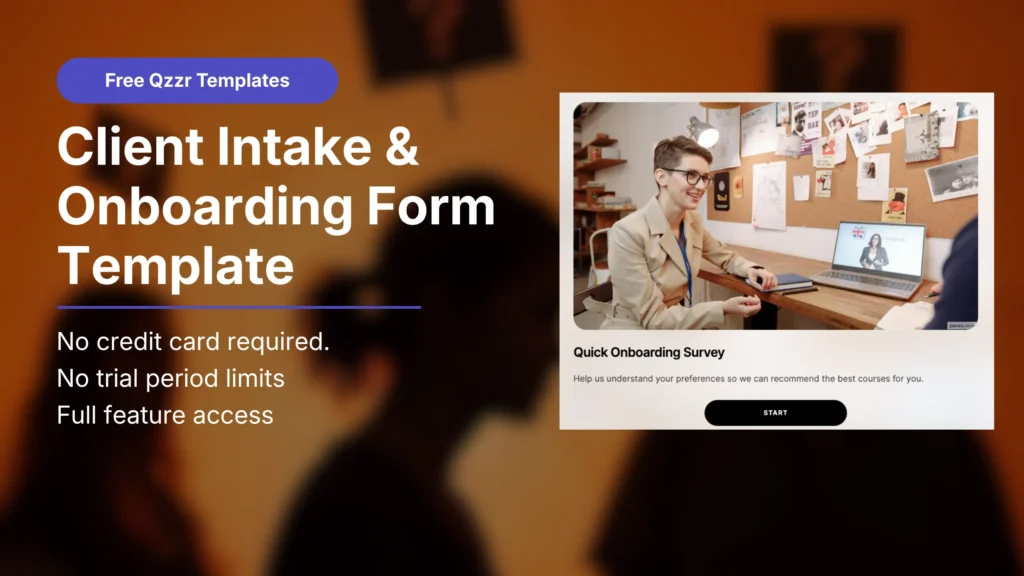
Client Intake Form and Onboarding Survey
Know exactly who you’re working with. Before the first session.
TL;DR
Most onboarding forms feel like paperwork. This one feels like a conversation.
The Client Onboarding Survey is a free Qzzr template built for coaches, course creators, and consulting businesses who want real answers before the work starts. Ten questions. Six formats. Zero guesswork about who just signed up.
What’s inside the client intake and onboarding form template
The 10 questions inside this template
This template uses six different question formats, not just multiple choice, so it reads more like an interactive conversation than a form. Edit, reorder, or replace any of them.
1. Name capture. “Let’s get started! What should we call you?”
Personalizes every question after this with their first name.
2. Single choice. “Hi [name], how would you describe your current experience level?”
Beginner / Intermediate / Advanced / Expert
3. Multi-select. “What are your main reasons for working with us?”
Select all that apply, five common answers covering skill-building, career goals, and personal growth.
4 to 6. Swipe cards.
Three quick yes-or-no style questions people answer by swiping, covering interests like interactive formats, gamification, and preferred learning style. Fastest-completing question type in the template.
7. Vote for favorites. “What matters most to you?”
Five options, one vote. Forces a real priority instead of a generic “everything matters” answer.
8. Matrix rating. “How important are the following to you?”
A grid rating multiple factors, schedule, certification, hands-on practice, personal feedback, from not important to very important in one screen.
9. Slider with reaction. “How motivated are you right now?”
A slide-to-answer scale with an emoji reaction that updates live, more engaging than a 1 to 10 text field.
10. Lead capture.
Name and email, so the answers arrive with someone to follow up with attached.
Why a survey, not an intake form
Intake forms get filled out once and filed away. Nobody enjoys filling one out, and it shows in the answers.
A survey with six question formats keeps someone engaged from question one to question ten. That matters, because the more honestly someone answers, the more useful their answers are to you.
This template does three things a static intake form can’t:
It doesn’t feel like homework
Swipe cards and sliders keep the pace up, so people answer more honestly instead of rushing through a wall of text fields.
It surfaces real priorities
The vote and matrix questions force a ranking instead of letting everything sound equally important.
It captures the lead at the end, not the start
People commit to finishing once they’ve already answered nine questions, so the lead form converts higher than one placed up front.
Who this template is built for
Coaches
Understand a new client’s goals, experience level, and motivation before the first session, instead of guessing in the room.
Course creators
Segment new students by experience and priorities, then point each one to the right starting module or track.
Consulting businesses
Get a real read on a new client’s priorities and expectations before the kickoff call, so you walk in already knowing what matters to them.
How the survey works
New client or student takes the survey. Ten questions across six formats. Two minutes or less, most of it swiping and sliding.
Qzzr records every answer. No scoring or weighting required, this is a straight read of their preferences and priorities.
You see individual responses. Filter by any answer to spot patterns across everyone who’s taken it.
They share their details at the end. A short lead form captures name and email once they’ve already invested in finishing.
You walk into session one prepared. Every answer is there before you ever say hello.
Customize it your way
Create branded quizzes for free
Swap in your logo, colors, and design. Make it look like it was built for your business.
Ask questions your way
Add, remove, or reword any question to fit your intake process. Or start from a topic or URL with Qzzr’s AI quiz builder and edit from there.
Personalised results page that convert
Add a personal thank-you message or a next-step recommendation once someone finishes. Redirect to a booking link, a welcome guide, or a resource that matches what they told you.
Smart logic that guides the right path
Add branching logic so beginners and advanced clients see different follow-up questions based on their answers.
Share or embed your quiz anywhere
Qzzr surveys are mobile-ready. Add yours to your welcome email, client portal, or booking confirmation page in seconds.
Clear analytics that show what’s working
Track completions, drop-off points, and answer patterns across every client who takes it. Get demographic data across regions and devices.
Frequently asked questions
What is a client onboarding survey?
A client onboarding survey is a short set of questions a new client or student answers before work begins, covering their goals, experience level, and priorities. It replaces guesswork in the first session with real answers up front.
Is this the same as a client intake form?
Close enough that most people use the terms interchangeably. An intake form usually collects logistics, contact details, availability, basics. An onboarding survey goes further, covering preferences, motivation, and priorities, which is what this template is built to capture.
How many questions should an onboarding survey have?
This template ships with 10 across six formats, which keeps it engaging without dragging. Cut it to 5 or 6 if you only need the essentials, since completion rates drop the longer a survey runs.
Do I have to use every question format?
No. Swap any question to plain multiple choice if you’d rather keep it simple. The mixed formats help completion rates, but they’re not required.
Can I use this for a group or cohort instead of one-on-one clients?
Yes. Course creators commonly use it exactly that way, sending it to an entire cohort before a program starts, then using the answers to group students by experience level or goal.
Should I send this before or after a contract is signed?
Most coaches and consultants send it right after the contract or booking is confirmed, as the first thing a new client does. That way it functions as both an intake step and a warm welcome, rather than something the client fills out cold before they’ve committed.
Do you have integrations?
Yes. Connect your CRM, email platform, or scheduling tool. Google Analytics and Meta Pixel are supported too. All included on the free plan.
Ready to know your next client before they walk in?
Use this template so session one starts with answers, not questions.